Key Takeaways
- The most impactful AI automation for small businesses isn't flashy — it's answering the phone, responding to website questions, and handling repetitive admin tasks.
- An AI receptionist can answer calls 24/7, book appointments, and answer FAQs for a fraction of the cost of a part-time employee.
- AI chatbots on your website capture leads that would otherwise bounce — 53% of visitors who can't get an answer within 30 seconds leave and don't come back.
- Start with one AI tool that addresses your biggest time drain. Don't try to "AI everything" at once.
The AI Problem for Small Businesses
Every week there's a new headline: "AI will transform your business." "ChatGPT is replacing entire departments." "Companies using AI see 40% productivity gains."
Then you look at your 8-person landscaping company or your solo accounting practice and think: How does any of this apply to me?
Here's the truth: most AI tools are built for companies with dedicated IT teams, large datasets, and software engineers who can integrate APIs. If that's not you, 90% of what you read about AI is irrelevant to your business.
But the other 10%? That 10% can genuinely save you hours every week and capture revenue you're currently losing. The key is knowing which 10% matters for your business.
The 3 AI Tools That Actually Work for Small Businesses
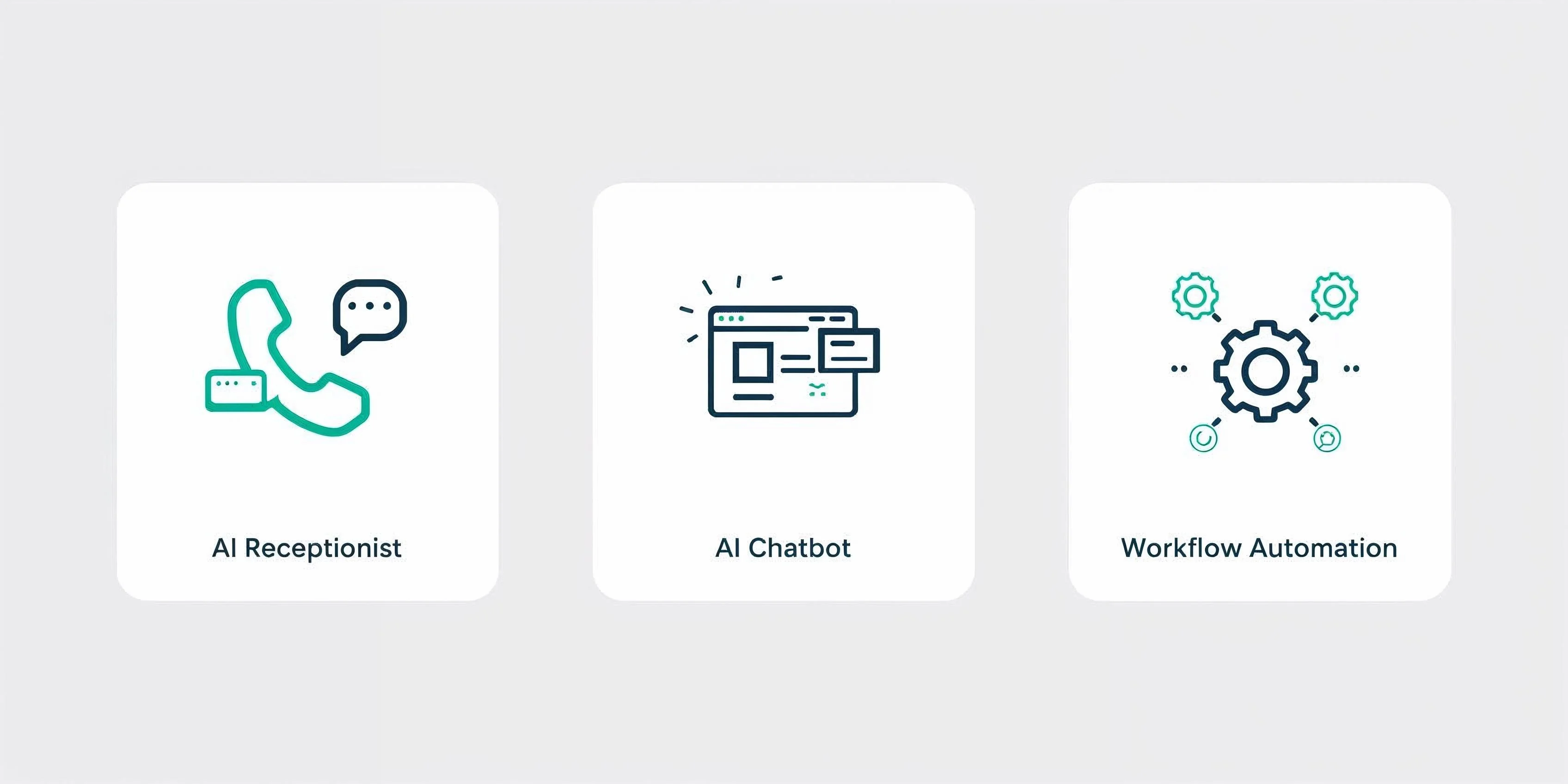
After working with dozens of small businesses on their digital setup, we've found that three categories of AI consistently deliver measurable results — not in theory, but in practice.
1. AI Phone Answering (The Biggest Win for Most Businesses)
This is the single most impactful AI tool for service-based businesses. Here's why:
Every missed call is a potential lost customer. And most small businesses miss a lot of calls — during lunch, after hours, on weekends, when you're with another client, when you're driving.
An AI receptionist answers every call, 24 hours a day, 7 days a week. It doesn't just send callers to voicemail (which most people hang up on). It has an actual conversation:
- Answers common questions. "What are your hours?" "Do you offer X service?" "How much does Y cost?" The AI handles these instantly, using information you provide about your business.
- Books appointments. The caller wants to schedule a haircut, a consultation, a repair estimate? The AI checks your availability and books it.
- Takes messages intelligently. When the caller needs something the AI can't handle, it takes a detailed message — name, number, reason for calling — and sends it to you via text or email.
- Speaks naturally. Modern AI voice technology sounds human. Callers often don't realize they're talking to an AI.
Who benefits most: Any business that takes appointments — salons, clinics, dental offices, contractors, consultants, tutors, auto shops, photographers. If you miss more than 3-4 calls a week, an AI receptionist pays for itself.
What it costs vs the alternative:
| | AI Receptionist | Part-Time Receptionist | Answering Service | |---|:---:|:---:|:---:| | Available 24/7 | Yes | No | Some ($$) | | Answers business-specific questions | Yes | Yes | Limited | | Books appointments | Yes | Yes | Sometimes | | Monthly cost | $49-99 | $1,500-2,000+ | $200-500 | | Training time | Minutes | Weeks | Days | | Sick days / turnover | Never | Yes | N/A |
The math isn't subtle. If an AI receptionist captures even 2-3 additional bookings per month that you would have missed, it's paid for itself several times over.
2. AI Website Chatbot (Catch Leads While You Sleep)
Your website gets visitors at all hours. They look at your services, maybe your pricing page, and then... they leave. They had a question. No one was there to answer it. They went to a competitor whose site had a chat widget.
An AI chatbot sits on your website and answers visitor questions in real-time:
- Answers FAQs instantly. "Do you serve my area?" "What's your turnaround time?" "Do you offer payment plans?" The chatbot knows your business and responds immediately.
- Captures contact info. When a visitor is interested, the chatbot collects their name, email, and what they need — so you can follow up even if they leave the site.
- Qualifies leads. Not every website visitor is a good fit. The chatbot can ask qualifying questions ("What's your budget?" "When do you need this done?") so you know which leads to prioritize.
- Works in your brand voice. You train it on your services, pricing, and FAQs. It responds the way you would — professional, friendly, and accurate.
Who benefits most: Any business with a website that generates leads — consultants, agencies, contractors, professional services, e-commerce. If your website gets more than 100 visitors per month, a chatbot will capture leads you're currently losing.
3. AI Workflow Automation (Stop Doing Repetitive Admin)
This is the broadest category, and it's where most businesses get overwhelmed. "Automate everything!" sounds exciting but means nothing without specifics.
Here are the specific automations that consistently save small businesses time:
Email responses to common inquiries. If you get 10+ emails a week asking the same 5 questions, an AI can draft responses for you to review and send — cutting your email time significantly.
Invoice follow-ups. AI can automatically send payment reminders at intervals you set — 3 days after due, 7 days, 14 days — without you having to remember or feel awkward about asking.
Appointment reminders. Automated text or email reminders 24 hours before an appointment reduce no-shows. Most businesses see no-show rates drop when they implement automated reminders.
Social media content. AI can draft social media posts based on your recent work, promotions, or seasonal themes. You review and post — cutting content creation time from hours to minutes.
Data entry. Scanning receipts, extracting information from forms, organizing customer data — AI handles these faster and more accurately than manual entry.
The key principle: automate the tasks you do repeatedly that don't require your expertise. If a task is the same process every time with just different inputs, it's a candidate for AI automation.
What AI Can't Do (Yet)
Setting realistic expectations prevents expensive disappointments:
AI can't replace judgment calls. It can book an appointment, but it can't decide whether a complex project is worth taking on. It can answer FAQs, but it can't negotiate a custom deal.
AI can't build relationships. The personal touch that makes a solo practitioner or small business special — knowing a client's name, remembering their preferences, going the extra mile — is still fundamentally human.
AI can't handle novel situations well. If a customer calls with a problem the AI has never encountered, it'll struggle. Good AI systems recognize their limits and route these calls to a human.
AI can't fix a bad business. If your service is poor, your pricing is wrong, or your market doesn't exist, AI won't save you. It amplifies what's already working — it doesn't create something from nothing.
How to Start: The One-Tool Approach
The biggest mistake is trying to implement 5 AI tools simultaneously. You'll get overwhelmed, nothing will be configured properly, and you'll conclude "AI doesn't work for my business."
Instead, pick one tool based on your biggest pain point:
"I miss too many calls" → Start with an AI receptionist. Set it up with your business hours, services, pricing, and FAQs. Let it run for a month. Measure how many calls it handles and how many appointments it books.
"My website gets traffic but no leads" → Start with an AI chatbot. Install it on your website, train it on your services and common questions. Track how many conversations it has and how many leads it captures.
"I spend hours on repetitive admin" → Start with one specific automation. Pick the most time-consuming repetitive task and automate just that one thing. Once it's running smoothly, add the next one.
After the first tool is working and you can see the results, add the second. Then the third. Each one builds on the confidence and understanding from the last.
Evaluating AI Services: What to Look For
Not all AI tools are created equal. Here's what separates the ones that work from the ones that waste your money:
Green Flags
- Easy setup. If it takes more than a day to get running, it's too complex for a small business.
- Transparent pricing. Monthly fee, clear feature list, no surprise charges.
- Customizable to your business. The AI should know your services, your pricing, your hours — not give generic answers.
- Human fallback. When the AI can't handle something, it should seamlessly route to you — not leave the customer hanging.
- No long-term contracts. Month-to-month means you can stop if it's not working. Any company confident in their product doesn't need to lock you in.
Red Flags
- "It replaces your entire team." No, it doesn't. It handles specific tasks. Run from any vendor who claims otherwise.
- Requires technical setup. If you need a developer to integrate it, it's not built for small businesses.
- No trial or demo. You should see it working with your business data before you pay.
- Vague ROI claims. "Saves you 40% of your time" means nothing without specifics. "Handles an average of X calls per day" is concrete.
The Real ROI of AI for Small Business
Forget the hype metrics. Here's what AI realistically delivers for a typical small service business:
Captured revenue from missed calls. If you miss 5 calls a week and 20% of those would have become customers worth $100+ each, that's $400+/month in recovered revenue — from a tool that costs $49-99/month.
Hours saved on admin. If automated reminders, follow-ups, and email responses save you 5 hours per week, and your time is worth $50/hour, that's $1,000/month in reclaimed time.
Better customer experience. Instant answers, 24/7 availability, and no hold times mean happier customers. Happy customers come back and refer others.
Consistent follow-up. The #1 reason small businesses lose leads is slow follow-up. AI responds instantly, every time. No leads slip through the cracks.
The businesses that see the best results from AI are the ones that start small, measure results, and expand only what's working. The ones that waste money are the ones that buy the most expensive option, configure it poorly, and never look at the data.
If you're unsure where to start, talk to someone who can assess your specific needs. A 15-minute conversation about your business can save you months of trial and error.
More business guides
Practical guides for growing your business with technology. No fluff.
No spam. Unsubscribe anytime.