Key Takeaways
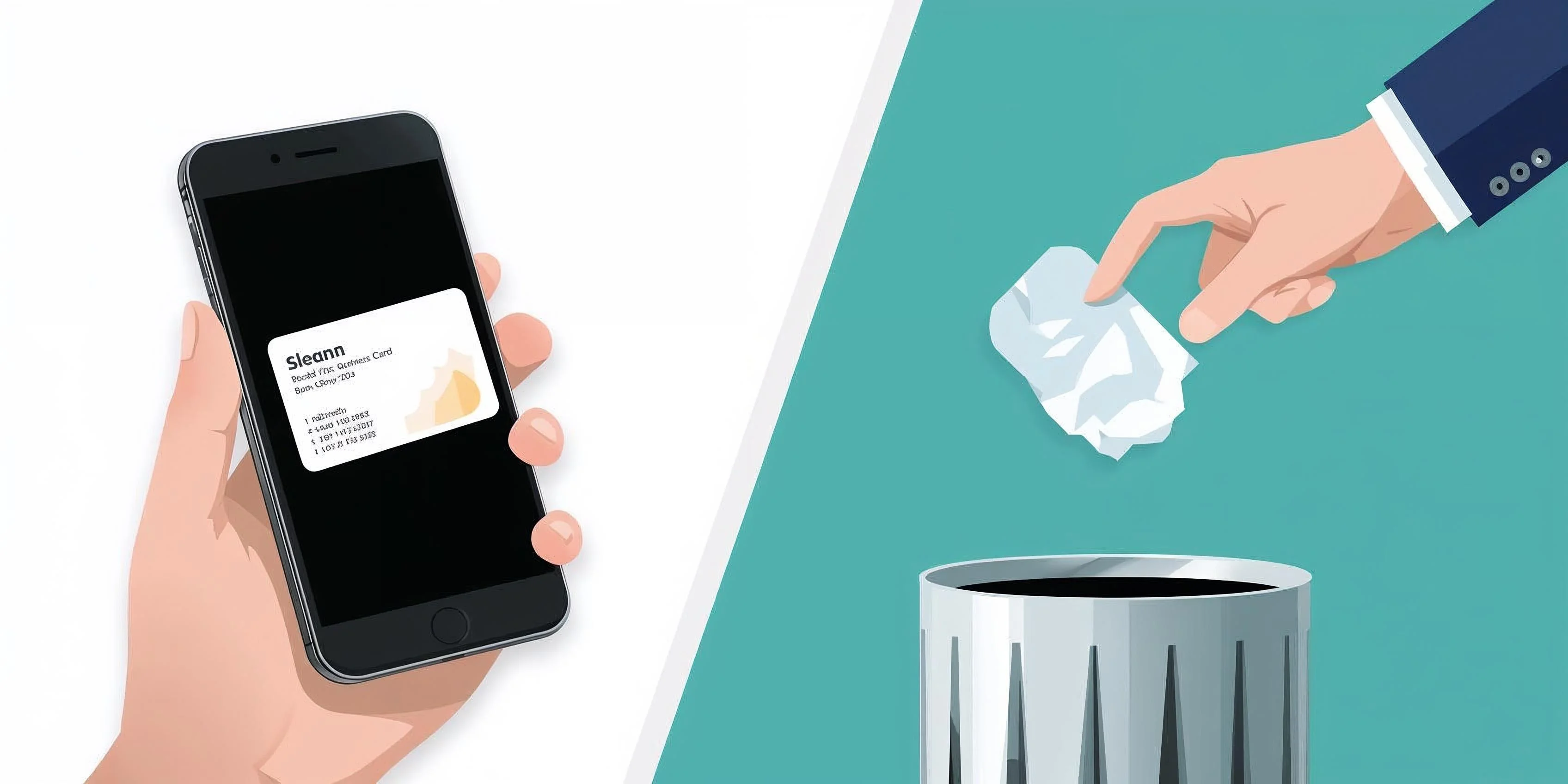
- 88% of paper business cards are thrown away within a week. Digital cards stay on someone's phone permanently.
- QR codes work on every phone and cost nothing. NFC tap-to-share costs $20-100+ and doesn't work reliably across all devices.
- A good digital business card needs 5 things: your name, what you do, how to reach you, a photo, and a clear next step.
- Most "free" business card apps limit you to 1 card and lock features behind $5-12/month paywalls.
Why Paper Business Cards Don't Work Anymore
You meet someone at a networking event. You exchange paper cards. You put their card in your pocket. Three days later, you find it crumpled in your laundry. Or you don't find it at all.
Studies consistently show that the majority of paper business cards get discarded within a week. The ones that survive get filed in a drawer and never looked at again.
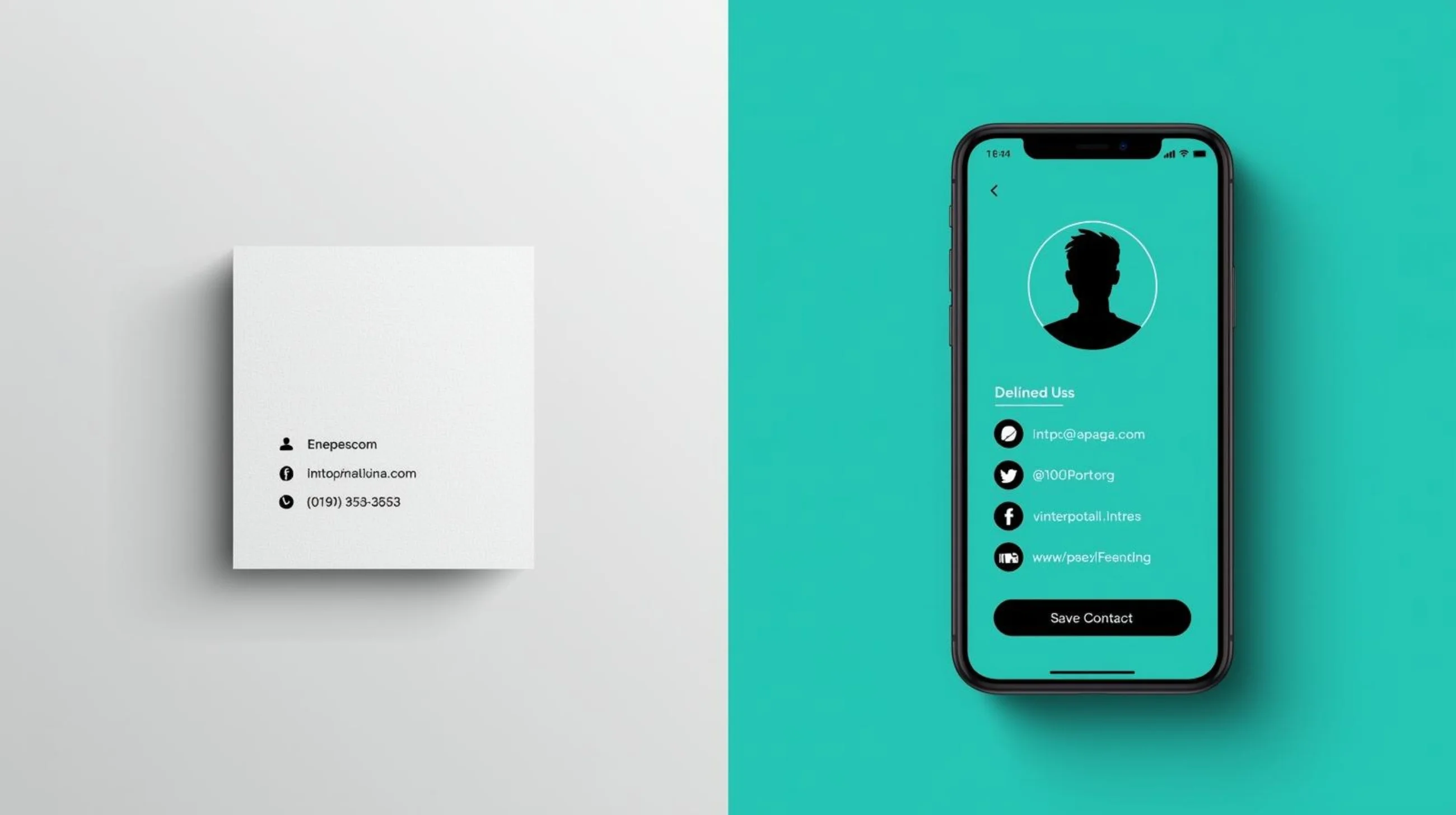
Digital business cards solve this by living where people actually look — their phone. A shareable link, a QR code scan, a tap — and your contact info is saved directly in their contacts app. No paper. No lost connections.
But the shift isn't just about convenience. Digital cards are:
- Always up to date. Changed your phone number? New job title? Update the card once and every link already shared reflects the change. Paper cards are frozen in time.
- Trackable. You can see when someone views your card. Paper cards disappear into a void.
- Richer. A paper card has space for a name, title, and phone number. A digital card can include your portfolio, social links, booking page, and a photo.
- Free. A box of 500 paper cards costs $20-50+ per order, every time something changes. A digital card costs nothing.
What Makes a Great Digital Business Card
The temptation is to put everything on your card. Resist it. The best digital business cards are focused and scannable.
The 5 Essential Elements
1. Your name and photo. A face makes you memorable. Conference connections blur together — the photo helps people remember which conversation was yours.
2. What you do. Not your official title if it's vague. "Senior Associate, Strategic Initiatives" tells no one anything. "I help restaurants get more online orders" tells everyone everything.
3. How to reach you. One primary contact method. Email for professional contexts, phone for urgent-response businesses. Don't list five ways to reach you — pick the one you actually respond to fastest.
4. One or two key links. Your portfolio, your LinkedIn, your booking page — whatever the most likely next step is. Not seven social media profiles. One or two that matter for the context you're networking in.
5. A clear next step. What do you want someone to do after viewing your card? Book a call? View your work? Follow you? The card should make that next step obvious.
Common Mistakes
Too many links. If your card has links to Instagram, Twitter, LinkedIn, YouTube, TikTok, your website, your blog, and your podcast, the visitor has decision paralysis. They click nothing.
No photo. Cards without photos get lower engagement. People connect with faces, not logos (unless you're sharing a company card, not a personal one).
Vague title. "Entrepreneur" and "Creative Professional" and "Consultant" describe millions of people. Be specific about what you do and who you do it for.
Outdated information. The whole point of a digital card is that it updates. If your card still shows your old job title from 6 months ago, you've lost the advantage over paper.
QR Codes vs NFC vs Link Sharing
There are three ways to share a digital business card. Here's when each one makes sense.
QR Codes (Free, Universal)
How it works: the other person opens their phone camera, points it at your QR code, and your card opens in their browser.
Pros
- Works on every smartphone (iOS and Android)
- Completely free — no hardware needed
- Can be printed on physical materials (nametag, poster, sticker)
- Can be displayed on your phone screen
- Can be embedded in email signatures, presentations, websites
- Never wears out or breaks
Cons
- Requires the other person to open their camera
- Less 'wow factor' than NFC tap
- Slightly slower than a tap (but we're talking 3 seconds vs 1 second)
NFC (Paid Hardware, $20-100+)
How it works: you hold your NFC card/sticker/phone case near the other person's phone, and your card opens automatically.
Pros
- Instant — just tap and share
- Impressive at networking events
- Conversation starter
Cons
- Costs $20-100+ for hardware (cards, stickers, or phone accessories)
- Doesn't work reliably on all phones (especially older Android devices)
- Only works in-person, phone-to-phone
- Hardware breaks, wears out, or needs replacing when info changes
- Can't be printed, emailed, or embedded anywhere
Link Sharing (Free, Remote)
How it works: you text, email, or DM a link to your card.
Best for: remote networking, email introductions, social media bios, email signatures. Not for in-person events.
The Verdict
QR codes cover 95% of use cases. They're free, universal, and work both in-person and remotely. NFC is a nice-to-have for people who attend a lot of in-person events and want the tap experience — but at $20-100+ for hardware that eventually wears out, it's a luxury, not a necessity.
Creating Your Digital Business Card
Here's how to have a shareable digital business card in under 60 seconds:
1. Pick a template. Choose one that matches your style — minimal for corporate, bold for creative, modern for tech. The template sets the layout and visual tone.
2. Add your essentials. Name, title (make it specific), photo, primary contact method. Add 1-2 social links that are relevant to your professional context.
3. Choose your colors. Match your personal brand or company colors. If you don't have brand colors, stick with the template defaults — they're designed to look professional.
4. Get your QR code and link. Every card automatically generates both. Save the QR code image to your phone. Copy the link for email signatures and social bios.
5. Share it. At your next event, pull up the QR code on your phone. Add the link to your email signature. Pin it in your Instagram bio. Print the QR code on your nametag.
Create Your Digital Business Card
Free forever. No signup. QR code and shareable link included.
How the Free Tools Compare
If you're choosing a digital business card platform, here's what you're actually choosing between:
| Feature | Simply Online | HiHello | Popl | Blinq | Haystack | |---------|:---:|:---:|:---:|:---:|:---:| | Free cards | Unlimited | 1 | 1 | 1 | 1 | | Signup required | No | Yes | Yes | Yes | Yes | | All templates free | Yes | No | No | No | No | | QR code | Yes | Yes | Yes | Yes | Yes | | NFC support | No | No | Yes ($20+) | No | No | | Apple Wallet | No | No | No | Yes | No | | Analytics on free | Yes | No | No | No | No | | Watermark on free | None | None | Yes | None | None | | Monthly cost for full features | $0 | $6-12 | $7.99 | $5.99 | $4.49 |
When to use what:
- Simply Online — you want a card right now, for free, without downloading an app or creating an account. Unlimited cards, all templates, no restrictions.
- HiHello — you want the most polished native app experience and are okay paying $6/month for multiple cards and custom branding.
- Popl — you want NFC tap-to-share hardware for in-person events and are willing to invest $20+ in physical products.
- Blinq — you're an iPhone user who wants your card in Apple Wallet.
- Haystack — you want a long-established platform (since 2014) with team features.
Pro Tips for Actually Using Your Card
Having a digital business card is useless if you don't use it well. Here's what we've learned:
At Events and Conferences
- Save the QR code to your phone's home screen or favorites. When someone asks for your card, you should be able to show it in under 3 seconds. Fumbling through an app kills the moment.
- Print the QR code on your nametag. People can scan it without even asking. This is the lowest-friction way to exchange info at a conference.
- Don't explain the technology. Just say "scan this" or "here's my card" and show the QR code. Nobody needs a pitch about digital business cards.
In Email and Online
- Add the link to your email signature. Every email you send becomes a business card opportunity. Keep it simple: "My digital card: [link]"
- Use it as your link-in-bio. If your main goal on social media is professional networking, your digital business card can serve as your link-in-bio page.
- Include it in proposals and quotes. When sending professional documents, include your card link so clients can easily save your contact info.
Keeping It Fresh
- Review your card quarterly. Has your title changed? New phone number? Updated portfolio? The whole point of a digital card is that it stays current — but only if you update it.
- Match it to the context. If you network in multiple industries (freelancers often do), consider having separate cards for separate contexts — one for client work, one for speaking engagements, one for a side project.
More professional guides
Practical guides for freelancers and professionals. No fluff.
No spam. Unsubscribe anytime.